
Samsung Galaxy Screen Lines, Spots or Black Screen: What It Means

By Ruslan Hryhorenko, repair technician at RepairHub
Updated
Samsung Galaxy phones use AMOLED displays. They look great, but when they fail, they fail in their own way. Instead of a simple crack, you might see a thin green line from top to bottom, a purple blot that grows every day, or a screen that goes black while the phone keeps ringing. This guide explains what each symptom usually means, a few tests you can run at home, and when the display has to be replaced.
In this guide 8 sections
A green, pink or white line down the screen
A single bright vertical line, often green or pink, is one of the most common Galaxy screen problems. It can show up after a drop, after the phone was squeezed in a pocket, or with no obvious cause at all.
What to try:
- Restart the phone. Hold the side key and volume down, then choose Restart.
- Take a screenshot. Press side key and volume down quickly. Open the screenshot on another device. If the line is not in the screenshot, the problem is the display hardware, not the software.
- Update the phone in Settings, Software update. Samsung has fixed display glitches with updates in the past, so it is worth installing anything that is waiting.
If the line stays after a restart and an update, the panel itself or its connection has failed. Lines do not heal on their own, and over time more of them tend to appear.
Black or purple spots that spread
A dark spot, often surrounded by a purple or green halo, usually means the OLED layer under the glass is damaged. This is typical after a drop, even when the glass looks only lightly cracked. The spot often grows over days or weeks, sometimes until the whole screen goes dark.
There is no setting that fixes this. If the phone is still usable, back it up now while you can still see the screen. Our guide on backing up your phone explains how, including Samsung Smart Switch.
Rather have us fix it?
Free diagnostic, walk-ins welcome at 6201 Greenback Ln Suite A, Citrus Heights.
The phone rings but the screen stays black
If the phone vibrates, rings or shows up on your smartwatch but the screen stays black, the phone is running and the display has stopped working.
Check these first:
- Force restart it. Hold the side key and volume down together for about ten seconds, until the phone restarts.
- Charge it for 30 minutes with a known good cable. A phone that shut down from a dead battery can look like a dead screen.
- Check brightness. If you can see a faint image in bright light, the backlight level may just be at zero.
- Call it. If it rings, the phone works. That is good news for your data.
A black screen with a working phone is almost always a display repair.
Touch stops working in one area
If part of the screen ignores your finger, or the phone taps by itself (ghost touch), test it:
- Remove the case and screen protector. A cheap protector or a case that presses on the edge can cause both problems.
- Open the Samsung Members app, go to Support and run the Phone diagnostics touch test. On many Galaxy models you can also dial
*#0*#and choose Touch to draw on the whole screen.
If the dead zone stays in the same spot during the test, the touch layer in the display is damaged.
Ghost images and burn in
A faint outline of the keyboard or the navigation bar that stays on every screen is burn in. It builds up over years of static images. It does not mean the phone is broken, and it does not get worse quickly, but it cannot be fixed with settings. Only a new display removes it.
Why Galaxy screens are replaced as one part
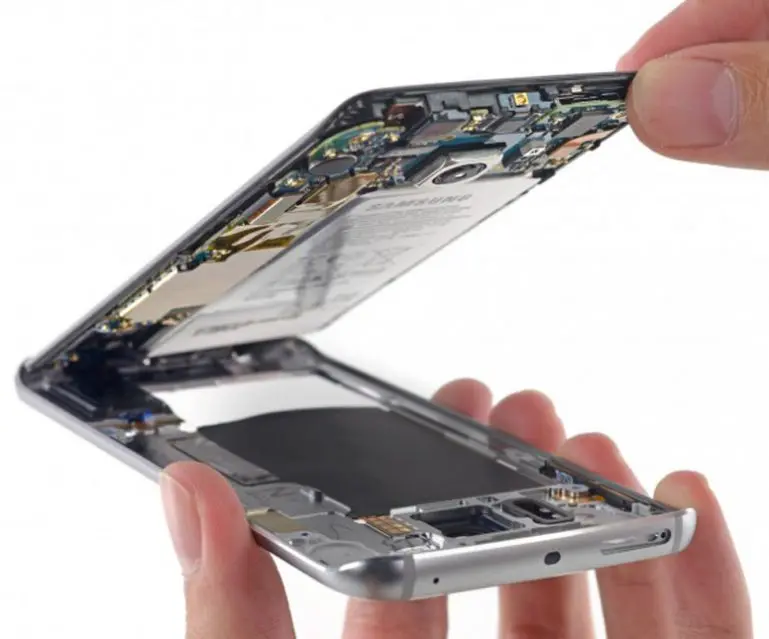
On most Galaxy phones, the glass, the touch layer and the AMOLED display are bonded together into one part. If the display underneath is damaged, a new glass alone will not help, and if only the glass is cracked on a model where the layers are fused, the display usually gets replaced with it. Our guide on cracked glass or broken LCD explains how to tell what you have.
When to bring it in
Bring the phone in when:
- a line, spot or dead touch zone survives a restart and an update
- the screen is black but the phone rings
- the phone was dropped and the display is spreading, flickering or bleeding color
- the screen lifts from the frame, which can mean a swollen battery underneath
Samsung screen repair in Citrus Heights
RepairHub at 6201 Greenback Ln Suite A in Citrus Heights repairs Galaxy screens. The diagnostic is free and walk-ins are welcome. Tell us your exact model; you can find it in Settings, About phone if the screen still works.
Read more on our Samsung screen repair page and the main Samsung repair page. For an estimate, open the repair calculator with Samsung screen selected.