Phone Only Charges When the Cable Is at a Certain Angle


You plug the phone in and nothing happens. You wiggle the cable, prop it up at just the right angle, and the charging sound finally plays. Move the phone and it stops. This is one of the most common charging complaints, and it almost always comes down to one of three things: lint packed in the port, a worn cable, or a worn port. The battery is rarely the cause.
Step 1: rule out the cable and charger
Cables wear out at the ends, where they bend the most. A cable with a frayed or kinked end, or a plug that feels loose in every phone, can only make contact at certain angles.
- Try a different cable that you know works, ideally a newer one.
- Try a different wall adapter and outlet.
- Try your cable in another phone with the same connector.
If a different cable fixes it, you are done. Replace the old cable before it gets worse, especially if the insulation is damaged.
Step 2: check for lint in the port
Phones live in pockets and bags, and every time you plug in a cable, a little lint gets pressed into the bottom of the port. Over months it builds into a compact layer. The plug then cannot go all the way in, so the contacts only touch when you push the cable at an angle.
Shine a flashlight into the port. A packed port often looks gray or fuzzy at the bottom. Another clue: the plug no longer clicks in firmly, or it sits slightly out of the port.
How to clean it safely
- Turn the phone off.
- Use a wooden or plastic toothpick. Never use a metal pin, needle or paperclip, which can scratch the contacts or short them.
- Gently scrape along the back wall of the port and lift the lint out toward you. Go slowly. Do not pry against the center tongue (on USB-C) or the contacts.
- A short puff of air can help clear loose pieces. Avoid blowing into it with your mouth; breath carries moisture.
Do not use liquid cleaners, and do not push cotton swabs into the port. Cotton leaves fibers that make the problem worse.
If you are not comfortable doing this, a technician can clean the port for you. It is quick to do with the right tools and good light.
Step 3: check for wireless charging
If your phone supports wireless charging, put it on a wireless charger. If it charges fine wirelessly but not by cable, the battery and charging circuit are probably working and the problem is in the port or its connection. If it does not charge either way, the problem may be deeper, and it is worth a diagnostic.
Step 4: look for signs of a worn or damaged port
If a good cable still needs a special angle after cleaning, the port itself is likely worn or damaged. Signs:
- the plug wobbles or feels loose even in a clean port
- pins or contacts look bent, burnt or discolored
- the port shows green or white crust, a sign of liquid exposure
- on an iPhone, a “liquid detected” or “accessory not supported” message with cables that worked before
- data transfer to a computer also drops in and out
Ports wear with every plug in and every tug on the cable. Phones that are often used while charging, or that hang from the cable, wear their ports faster.
What the repair involves
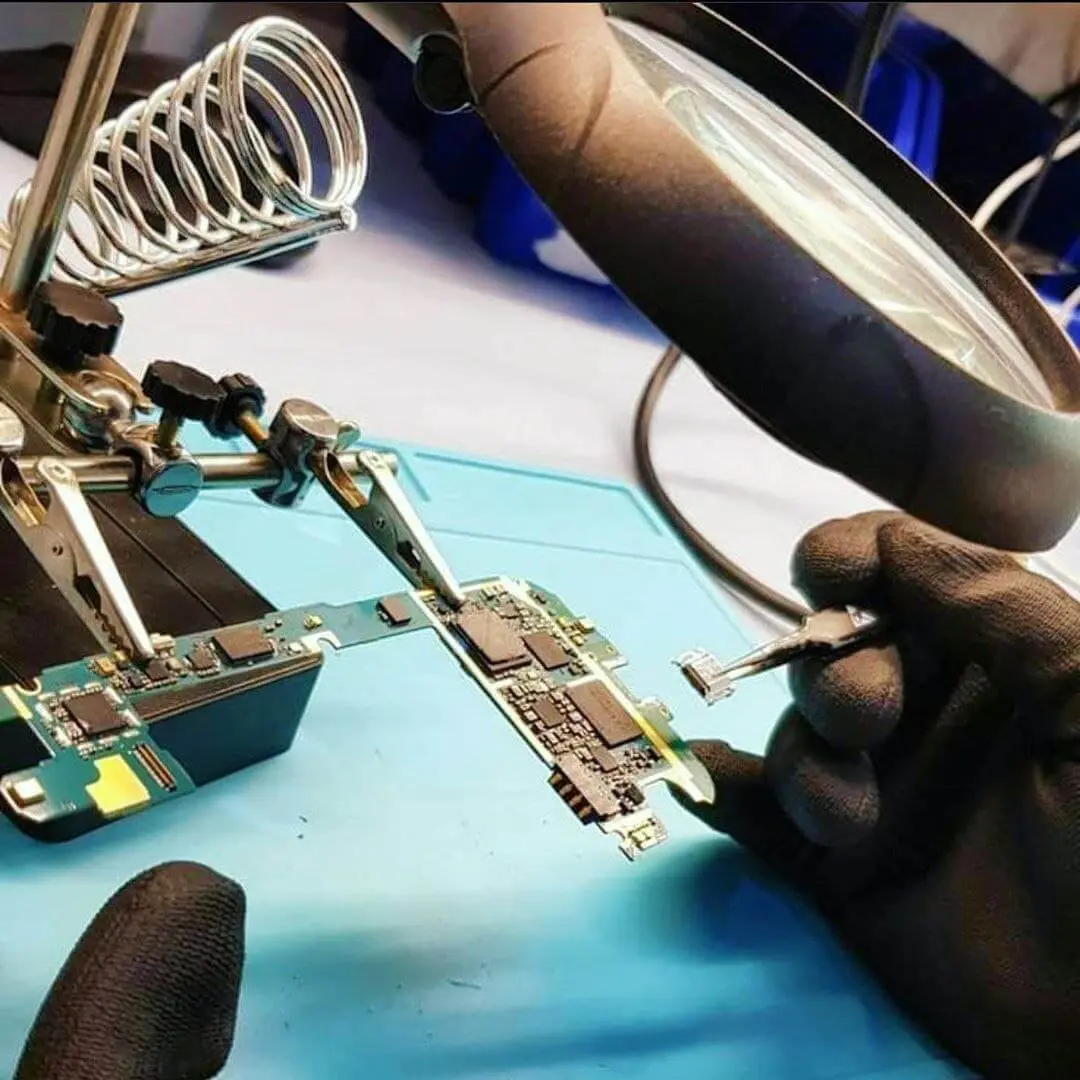
On many phones, including iPhones and most Samsung Galaxy models, the charging port sits on a flex cable or a small board along with the microphone and other parts. A port repair usually means replacing that part. The phone has to be opened, so the screen or back comes off and is sealed again afterward.
It is a common repair, and it is worth doing early. A port that only works at an angle can arc and heat up at the contacts, and constant wiggling can damage the connection further.
Is it the battery?
A worn battery drains fast and shuts down early, but it does not care what angle the cable is at. If charging depends on the angle, look at the cable and port first. If you also see battery symptoms, read our guide on signs your phone battery needs replacing.
Charging port repair in Citrus Heights
RepairHub is at 6201 Greenback Ln Suite A in Citrus Heights. Walk-ins are welcome and the diagnostic is free. Bring the cable and charger you normally use, so we can check those too.
More details are on our iPhone charging port repair, Samsung charging port repair and iPhone not charging pages. You can check the price of an iPhone charging port repair or pick your phone in the calculator. A Switch with the same symptom? See our guide on a Switch that won’t charge. Our warranty page explains how repairs are covered.