Samsung Charging Port Repair in Sacramento
Samsung Charging Port Repair near me
We understand when your Samsung needs repair, it can throw you into a frenzy. From your contacts and appointments to your documents and playlists, your device is a crucial part of your life. Whether your Samsung needs a screen repair, battery replacement, or has been affected by water damage, we have the parts, skills, and experience to get the repair done quickly and for an affordable price.
We understand when your Samsung needs repair, it can throw you into a frenzy. From your contacts and appointments to your documents and playlists, your device is a crucial part of your life. Whether your Samsung needs a screen repair, battery replacement, or has been affected by water damage, we have the parts, skills, and experience to get the repair done quickly and for an affordable price.
90 Day Warranty of Samsung Charging Port Repair
Bring your Galaxy in and we test the charging port, the cable and the battery. The diagnostic is free, and we tell you what is wrong before any work starts.
Fast Samsung Charging Port Repair
A lot of charging problems turn out to be lint packed in the port. If it is cleaning, we tell you. If the port is worn or damaged, we replace it.
- Free diagnostic before any repair
- Port cleaning or a new charging port, depending on what we find
- Walk-ins welcome at our Citrus Heights shop
Common Samsung issues
Other Samsung repair models
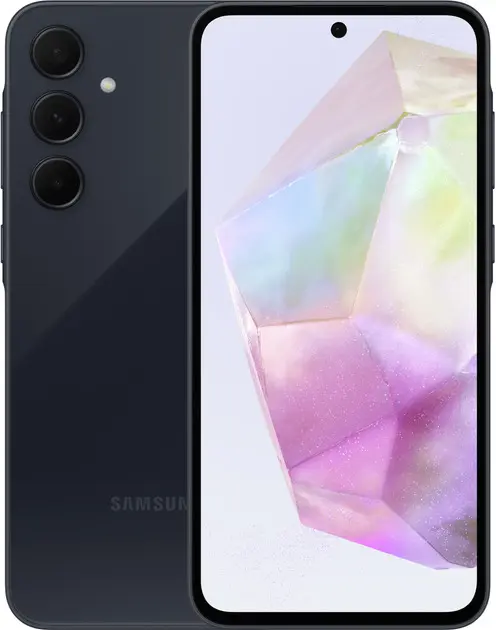
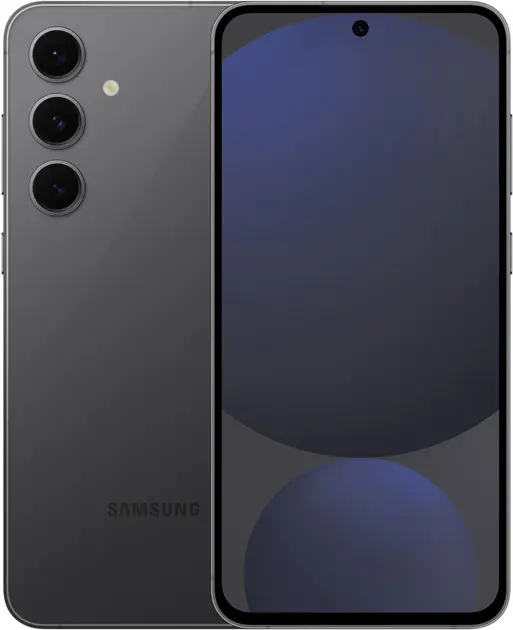
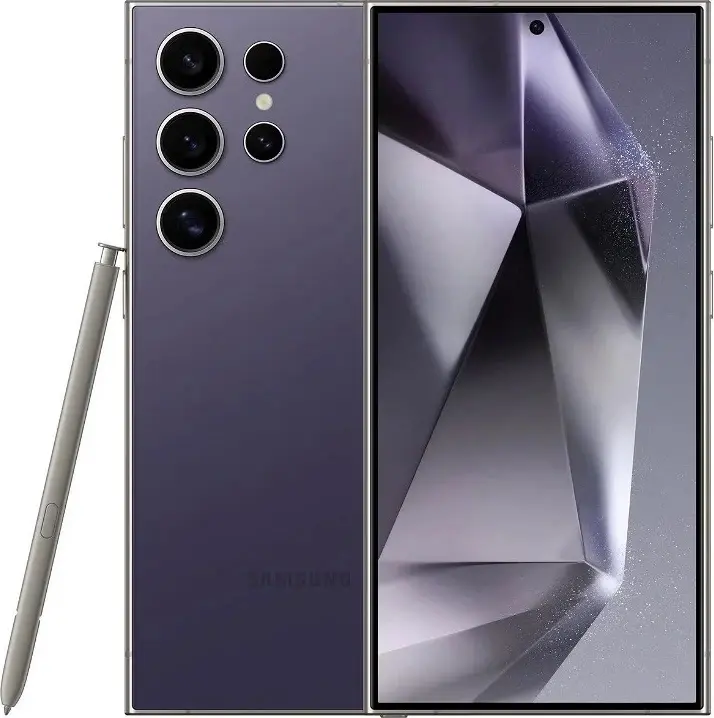
Samsung charging port repair in Sacramento
The USB-C port on a Galaxy gets plugged in every day and collects pocket lint, so it wears out or clogs sooner than most parts. At RepairHub we test and repair Samsung charging ports at our shop in Citrus Heights.
Signs of a charging port problem
- The phone does not charge, or only charges when the cable is held at an angle.
- Charging is much slower than it used to be, or fast charging stopped working.
- The cable feels loose or falls out of the port.
- A "Moisture detected" warning appears even though the phone is dry.
- The computer no longer sees the phone over USB.
What you can try first
- Try a different cable and charger. Cables fail more often than ports.
- Look into the port with a flashlight. If you see lint, blow it out gently. Do not dig with metal.
- If you got a moisture warning, unplug the phone and let it dry before charging again.
- If your Galaxy supports wireless charging, try a pad. If that works, the port is the likely problem.
What the repair involves
- Free diagnostic: we test the port with known good cables and check the battery.
- Estimate: we explain whether the port needs cleaning or replacing before we start.
- Repair: on many Galaxy models the port sits on a small separate board that we replace as a unit. On others it is part of the main board, and we repair it there.
- Test: we check charging, fast charging and the data connection before you pick it up.
What to bring
Bring the phone and the cable and charger you normally use, so we can test them too.
Check your price
Pick your Galaxy and the problem in our repair cost calculator, or call us and bring it in for a free diagnostic. See also our Samsung phone Repair page.
Check the price for my Galaxy charging port

Samsung Charging Port Repair: Questions and Answers
Photos of Samsung Charging Port Repair