Spilled Liquid on Your MacBook: What to Do Right Now

A spill on a MacBook keyboard goes straight down to where it hurts. Under the keys sits the logic board, the battery and a lot of small connectors, with very little in between. What you do in the next few minutes decides a lot about how this ends.
Right now: cut the power
- Unplug the charger from the MacBook.
- Press and hold the power button (Touch ID button on newer models) until the screen goes black. Do not wait to save your work or close apps.
- Unplug everything else: USB drives, hubs, monitors, mouse receivers.
Power is the enemy here. A MacBook that is on and wet can short a component on the board within seconds, and current speeds up corrosion. The battery inside still holds a charge after you shut down, which is why the next steps matter too.
Next: let the liquid out
Gently wipe off what is sitting on top of the keyboard and around the edges with a dry, lint free cloth or paper towel. Do not press down on the keys, which pushes liquid further in.
Then open the lid wide and stand the MacBook upside down like a tent, keyboard facing down, on a towel. This lets liquid run out through the keyboard instead of deeper into the case. Leave it like that.
Many recent MacBooks turn on by themselves when you open the lid or connect power. If yours lights up while you move it, hold the power button again until it shuts off. Do not plug in the charger to check whether it still works.
What not to do
Do not turn it on to test it
It is tempting to see whether it “survived”. The board can look fine and still have liquid under a chip. Powering it on is the moment a short happens. The same goes for plugging in the charger.
Do not use heat
No hair dryer, heater or sunny window. Heat warps parts and can push liquid around inside. It does not dry the places that matter.
Do not put it in rice
Rice does nothing for liquid under a keyboard or on a logic board. It just delays getting the laptop to someone who can open it.
Do not trust “it seems dry”
Liquid leaves residue. Water leaves minerals; coffee, soda, juice, beer and wine leave sugar and acid. That residue keeps corroding the board even after everything looks dry. A MacBook that works the next day can fail weeks later because of a spill nobody cleaned out.
Why the type of liquid matters
Plain water is the least bad case, and even then it is worth getting the board checked. Sugary or milky drinks, coffee, tea with sugar, soda, juice and alcohol are worse. They leave sticky residue that keeps keys from working and builds up corrosion around chips and connectors. Treat any of these as urgent.
Signs the spill reached the inside
- the MacBook will not turn on or shuts down on its own
- keys stick, repeat or do not respond
- the trackpad clicks strangely or stops working
- the screen has lines or the backlight flickers
- the fans run loud while doing nothing
- it will not charge, or the charger light behaves differently
What a repair involves
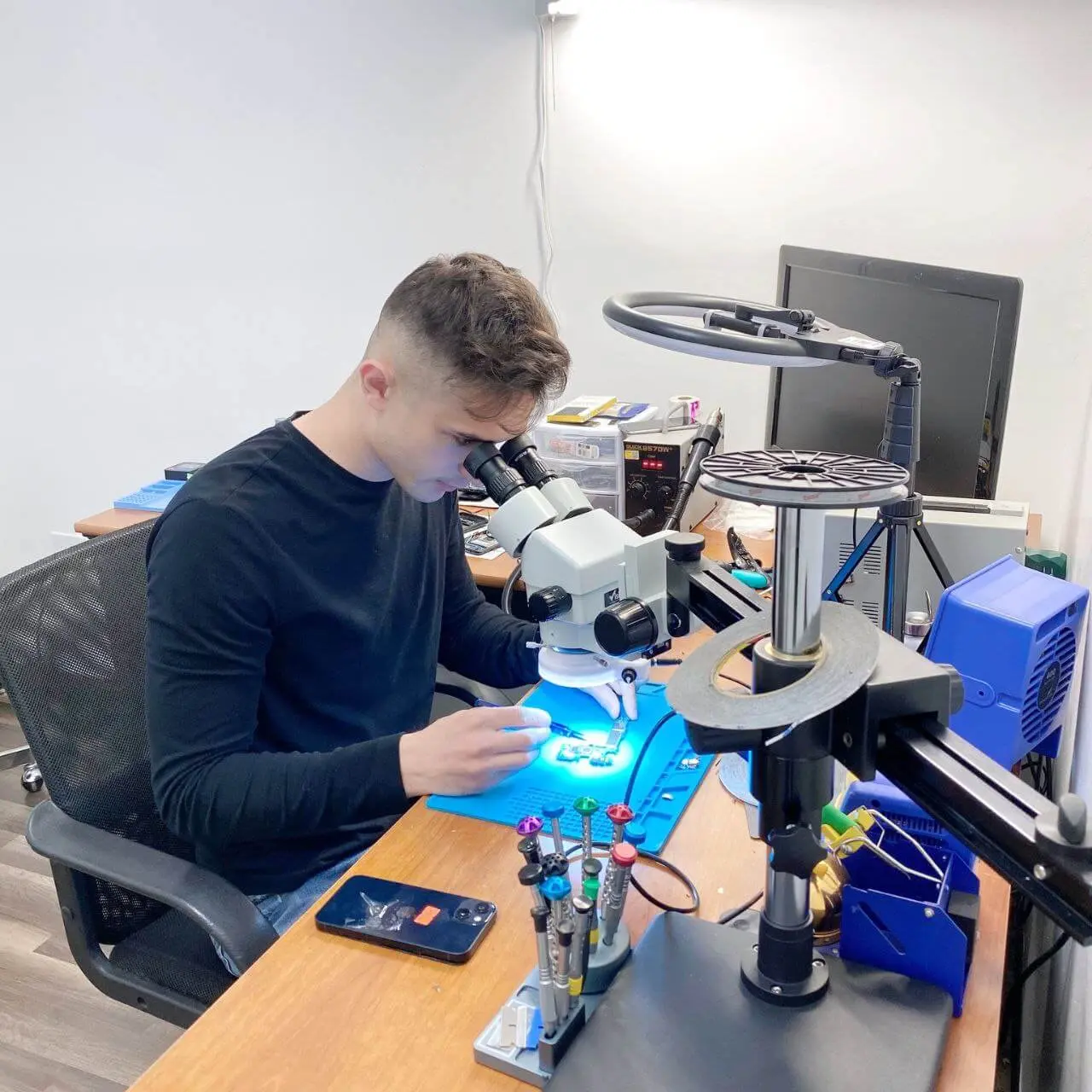
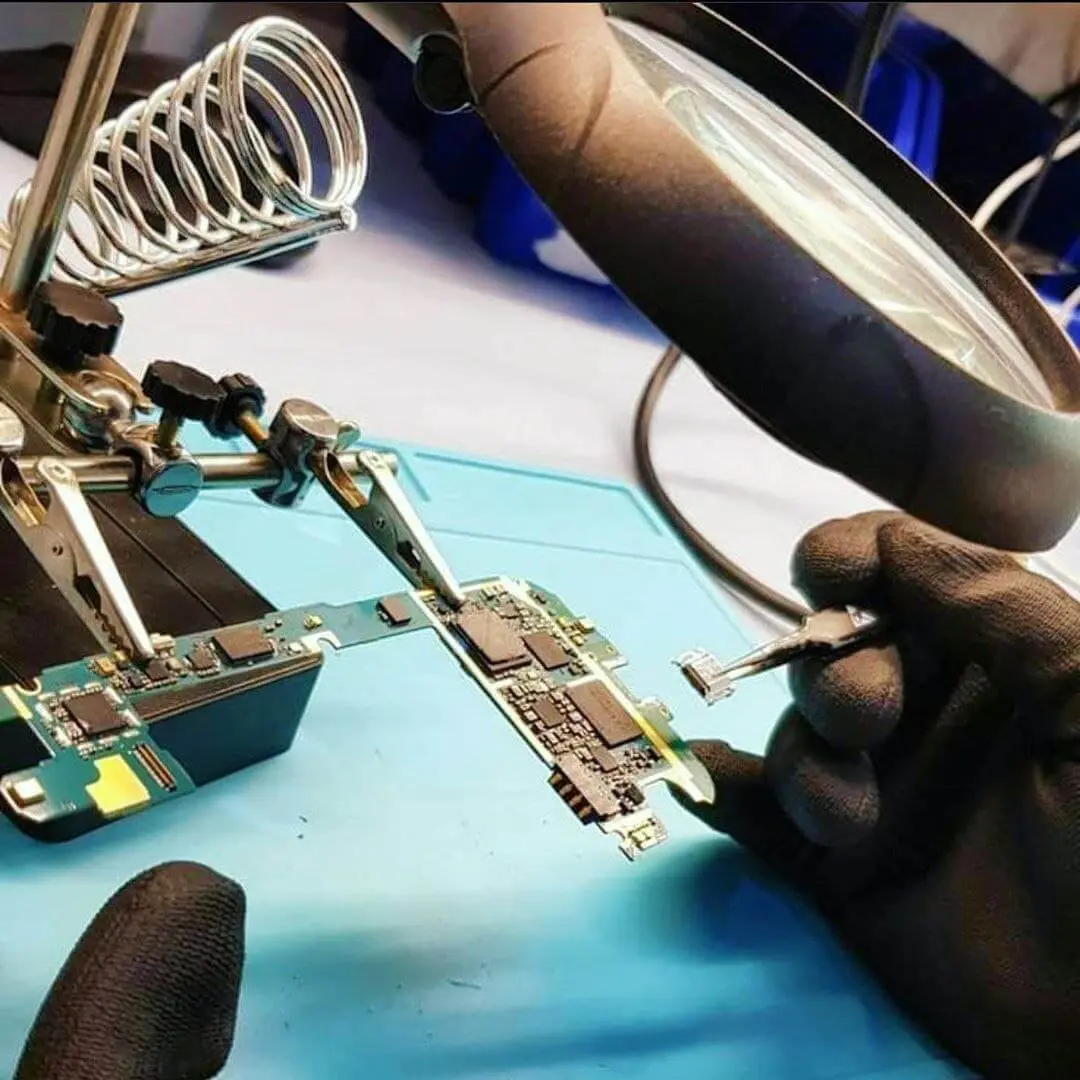
To deal with liquid properly, a technician has to open the MacBook, disconnect the battery and look at the logic board under magnification. Affected areas get cleaned of residue and corrosion, and damaged parts are checked one by one. Sometimes cleaning is enough. Sometimes a component on the board has failed and needs microsoldering, or the keyboard, trackpad or display has to be replaced.
Your data is usually on the internal storage, which on modern MacBooks is soldered to the logic board. That is one more reason to have the board looked at early, while it can still be saved. If you have a Time Machine or iCloud backup, you are in a much better position.
MacBook liquid damage repair in Citrus Heights
Shut it down, drain it, and bring it in. RepairHub is at 6201 Greenback Ln Suite A in Citrus Heights. Walk-ins are welcome and the diagnostic is free. Bring the charger too, so we can test charging after cleaning.
Read more on our MacBook liquid damage repair page. If only the keyboard is acting up after a spill, see MacBook keyboard repair. You can check the price of a MacBook water damage repair in the calculator.
Phone got wet instead? See the first 30 minutes after your phone gets wet. Our warranty page explains how liquid damaged devices are covered, as it differs from other repairs.