
MacBook Keyboard Repair in Sacramento
MacBook Keyboard Repair near me
We understand when your MacBook needs repair, it can throw you into a frenzy. From your contacts and appointments to your documents and playlists, your device is a crucial part of your life. Whether your MacBook needs a screen repair, battery replacement, or has been affected by water damage, we have the parts, skills, and experience to get the repair done quickly and for an affordable price.
We understand when your MacBook needs repair, it can throw you into a frenzy. From your contacts and appointments to your documents and playlists, your device is a crucial part of your life. Whether your MacBook needs a screen repair, battery replacement, or has been affected by water damage, we have the parts, skills, and experience to get the repair done quickly and for an affordable price.
90 Day Warranty of MacBook Keyboard Repair
Bring your MacBook in and we test every key. The diagnostic is free, and we tell you whether it needs cleaning, a key repair or a new keyboard before any work starts.
Fast MacBook Keyboard Repair
One sticky key is often a crumb under the keycap. When several keys fail at once, liquid or a worn keyboard is more likely, and we check for both.
- Free diagnostic before any repair
- Key cleaning, key repair or keyboard replacement
- Walk-ins welcome at our Citrus Heights shop
Common MacBook issues
Other MacBook repair models
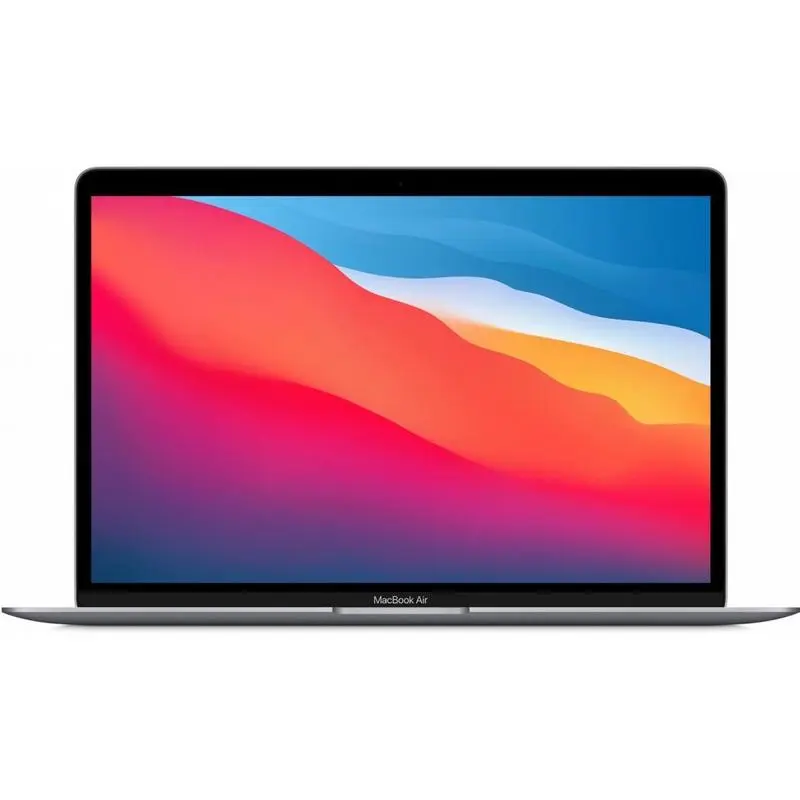

MacBook keyboard repair in Sacramento
MacBook keyboards are thin, and the gap under each key is small. A crumb, a little liquid or plain wear can make a key stick, stop or type twice. At RepairHub we repair MacBook keyboards at our shop in Citrus Heights.
Signs your keyboard needs attention
- A key sticks, feels crunchy or does not spring back.
- A key types twice, or not at all.
- A whole row or a group of keys stopped working, often after a spill.
- A keycap came off or broke.
- The backlight works on some keys and not on others.
What you can try first
- Hold the MacBook at an angle and blow compressed air across the key from side to side.
- Plug in a USB or Bluetooth keyboard. If that works, the problem is in the built in keyboard and not in macOS.
- Check the Keyboard settings under Accessibility. Slow Keys or Sticky Keys can make a working keyboard feel broken.
- Do not pry keycaps off with a knife. The clips under them break easily.
What the repair involves
- Free diagnostic: we test every key and look for debris and signs of liquid.
- Estimate: we explain what is wrong and what the repair involves before any work starts.
- Repair: we clean under the keys, repair a single key, or replace the keyboard. On many models the keyboard is riveted to the top case, so a replacement means taking the MacBook apart.
- Test: we check every key and the backlight before you pick it up.
What to bring
Bring the MacBook and its charger. If keys stopped working after a spill, tell us. It changes what we look for inside.
Check your price
Pick your MacBook and the problem in our repair cost calculator, or call us and bring it in for a free diagnostic. See also our MacBook Repair page.
Check the price for my MacBook keyboard