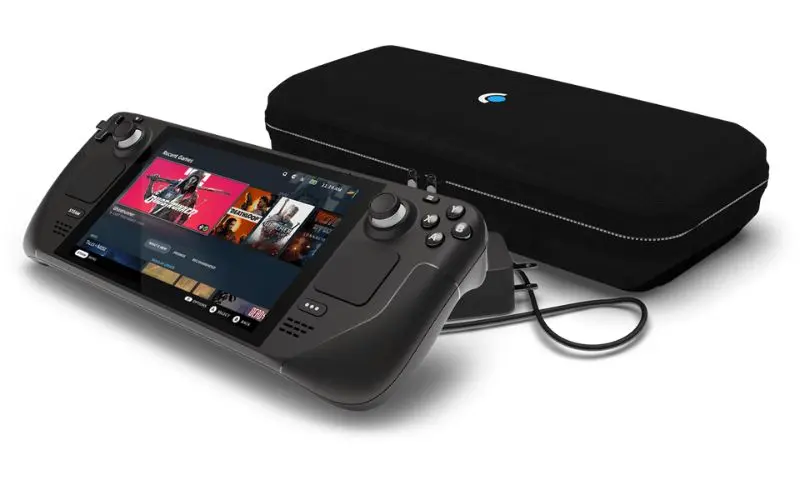
Steam Deck Stick Drift Repair in Sacramento
Steam Deck Stick Drift Repair near me
We understand when your Steam Deck needs repair, it can throw you into a frenzy. From your contacts and appointments to your documents and playlists, your device is a crucial part of your life. Whether your Steam Deck needs a screen repair, battery replacement, or has been affected by water damage, we have the parts, skills, and experience to get the repair done quickly and for an affordable price.
We understand when your Steam Deck needs repair, it can throw you into a frenzy. From your contacts and appointments to your documents and playlists, your device is a crucial part of your life. Whether your Steam Deck needs a screen repair, battery replacement, or has been affected by water damage, we have the parts, skills, and experience to get the repair done quickly and for an affordable price.
90 Day Warranty of Steam Deck Stick Drift Repair
Bring your Steam Deck in and we test both thumbsticks. The diagnostic is free, and we tell you what the repair involves before any work starts.
Fast Steam Deck Stick Drift Repair
Each Steam Deck thumbstick is a separate module on a cable, so a worn stick can be replaced without touching the rest of the console.
- Free diagnostic before any repair
- Worn thumbstick module replaced
- Walk-ins welcome at our Citrus Heights shop
Common Steam issues
Steam Deck stick drift repair in Sacramento
Stick drift happens on the Steam Deck the same way it happens on other controllers. The sensor in the thumbstick wears, and the Deck reads movement you did not make. At RepairHub we replace Steam Deck thumbsticks at our shop in Citrus Heights.
Signs of stick drift
- The camera or your character moves when you are not touching the stick.
- A direction does not register, or you have to push very hard.
- The stick clicks poorly when pressed in, or feels loose or gritty.
- The drift shows up in every game, not just one.
What you can try first
- Run the stick calibration in the Steam Deck controller settings.
- Check the per game controller layout. A custom layout or a small dead zone can feel like drift in one game only.
- Update SteamOS and restart the Deck.
- Do not spray anything into the stick. Liquid cleaners can damage the sensor.
What the repair involves
- Free diagnostic: we test both sticks and the other controls.
- Estimate: we explain what the repair involves before any work starts.
- Repair: we open the back, disconnect the battery and swap the worn thumbstick module for a new one.
- Test: we calibrate the new stick and check it in a game before you pick it up.
What to bring
Bring the Steam Deck and its charger. If the drift only shows up in one game, tell us which one.
Check your price
Pick your Steam Deck and the problem in our repair cost calculator, or call us and bring it in for a free diagnostic. See also our Steam Deck Repair page.
Check the price for my Steam Deck