Steam Deck Stick Drift: What You Can Fix Yourself and When It Needs a Repair

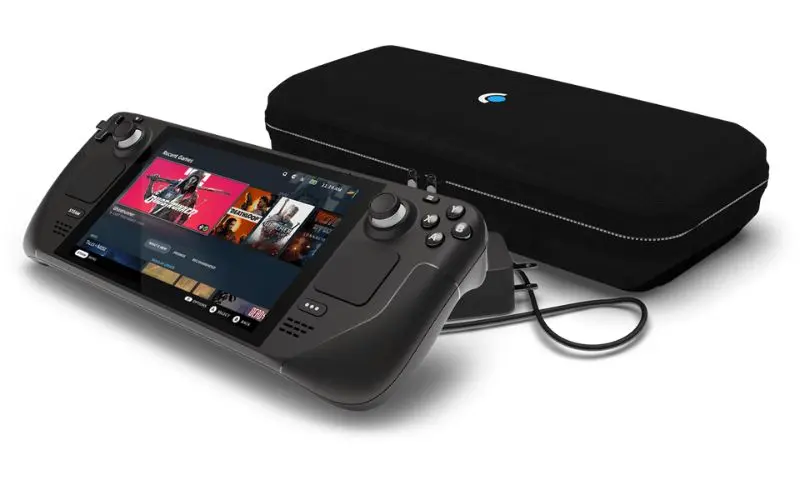
Stick drift is when the game reads movement from a thumbstick you are not touching. The camera slowly turns, your character walks into a wall, or menus scroll by themselves. On a Steam Deck it can be a software problem, dirt, or a worn stick. The first two you can often fix at home in a few minutes. The third one needs a new part.
Step 1: confirm it is drift
Open the Steam menu, go to Settings, then Controller, and open the test page for the controller inputs (called “Test Device Inputs” on recent versions of SteamOS). Leave both thumbsticks alone and watch the stick indicators.
- If the dot sits in the center, there is no hardware drift. The problem is probably a game setting or a per game controller layout.
- If the dot sits off center or wanders while you are not touching the stick, that stick is drifting.
- If it only drifts after you move it and let go, the stick is not returning to center cleanly. That is common with dirt and wear.
Test both sticks. It helps to know whether one or both are affected.
Step 2: recalibrate
Still under Settings and Controller, open Calibration and Advanced Settings. Run the joystick calibration and follow the on screen steps. Calibration teaches the Deck where the center of each stick is. If the stick is physically fine but the stored center is off, this fixes it.
Also install any pending SteamOS updates. Controller firmware and input handling get updated from time to time.
Step 3: add a small deadzone
In the same Calibration and Advanced Settings screen there is a deadzone setting for each stick. A deadzone tells the Deck to ignore very small movements near the center. Raise it a little at a time and test again. If a small deadzone stops the drift and the stick still feels responsive in games, you are done.
If you need a large deadzone to stop the drift, the stick is worn. A big deadzone makes fine aiming feel sluggish, and the drift usually gets worse over time, so you will be back here again.
Step 4: clean around the stick
Dust, crumbs and dried sticky residue can stop a stick from springing back to center.
- Shut the Deck down fully.
- Use short bursts of compressed air around the base of the stick while you move it in slow circles.
- Hold the can upright so it does not spray liquid propellant.
Please do not pour or drip cleaning liquid into the stick. It runs down into the sensor and onto the board, and that can turn a drift problem into a dead stick.
When it is time for a repair
The thumbsticks contain small sensors that wear with use. Once the wear is in the sensor, no setting or cleaning will bring it back. Signs you are past the home fixes:
- drift comes back soon after calibration
- you need a large deadzone to hide it
- the stick feels gritty, loose or does not click when you press it in
- the stick indicator jumps or twitches on the test screen
- drift started after a drop or a spill
The good news is that the Steam Deck thumbsticks are separate modules. Replacing one does not mean replacing the whole controls board. The Deck still has to be opened carefully, though. The back shell is held with screws and clips, and the battery and its cable sit close to where you work. A slip with a tool can damage the battery or a ribbon cable.
Fix it or repair it?
Try calibration, the deadzone and compressed air first. They cost nothing. If the drift is gone and stays gone, that is the end of it. If it keeps coming back, a new thumbstick module is the real fix, and it is usually more satisfying than living with a large deadzone.
While the Deck is open, it is also a good time to ask about other work you were planning anyway, like a Steam Deck SSD upgrade.
Steam Deck repair in Citrus Heights
RepairHub is at 6201 Greenback Ln Suite A in Citrus Heights. Walk-ins are welcome and the diagnostic is free, so you can bring the Deck in and we will check the sticks before anything is replaced. Our Steam Deck stick drift page explains the repair, and you can check the price of a stick drift repair in the calculator.
Got a Nintendo Switch with the same problem? See Joy-Con drift repair. Repairs are covered by our warranty.