PS5 Turns On but the TV Shows No Signal: What to Check

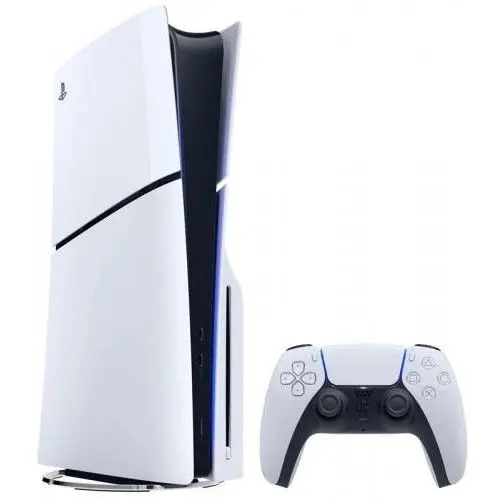
The PS5 light comes on, the fan spins, and the TV just says “No signal”. It is one of the most common console problems we see. The good news is that a lot of these cases are a cable or a setting. The bad news is that the PS5 HDMI port is fragile, and when it is the port, no setting will fix it.
Go through the checks in order. The easy, likely causes come first; the ones that need a technician come last.
Rule out the TV and the cable first
Check the TV input
Press the input or source button on the TV remote and step through every HDMI input. Make sure you are on the one the PS5 is plugged into. If you use a sound bar or AV receiver between the PS5 and the TV, plug the PS5 straight into the TV for this test. Receivers cause a lot of “no signal” problems on their own.
Swap the HDMI cable
Use the cable that came with the PS5 if you still have it, or another cable you know works. Try a different HDMI port on the TV too. Then plug something else, like a cable box or a laptop, into the same TV port. If that device shows a picture, the TV is fine.
Power cycle everything
Turn the PS5 off fully (not rest mode), unplug its power cord, and unplug the TV as well. Leave both unplugged for a minute, plug them back in, and turn on the TV first, then the PS5.
Try Safe Mode to reset the video output
Sometimes the PS5 is sending a picture the TV cannot show, for example after a resolution or HDR change. Safe Mode starts the console with basic video settings.
- Turn the PS5 off completely.
- Press and hold the power button. It beeps once when you press it. Keep holding until you hear a second beep, then let go.
- Connect the controller with a USB cable and press the PS button.
- In the Safe Mode menu, choose “Change Video Output” and try a lower resolution.
If you get a picture in Safe Mode, the hardware is likely fine and a setting was the problem. Restart normally from the menu and adjust the video settings from there.
If Safe Mode shows nothing at all on a TV and cable you know are good, the problem is probably inside the console.
Look at the HDMI port
Unplug the HDMI cable from the PS5 and shine a flashlight into the port. Compare it with the HDMI port on your TV. Warning signs:
- the plastic tongue in the middle is bent, cracked or missing
- pins look pushed in, bent or uneven
- the port feels loose or moves when you plug the cable in
- the cable only gives a picture when you hold it at a certain angle
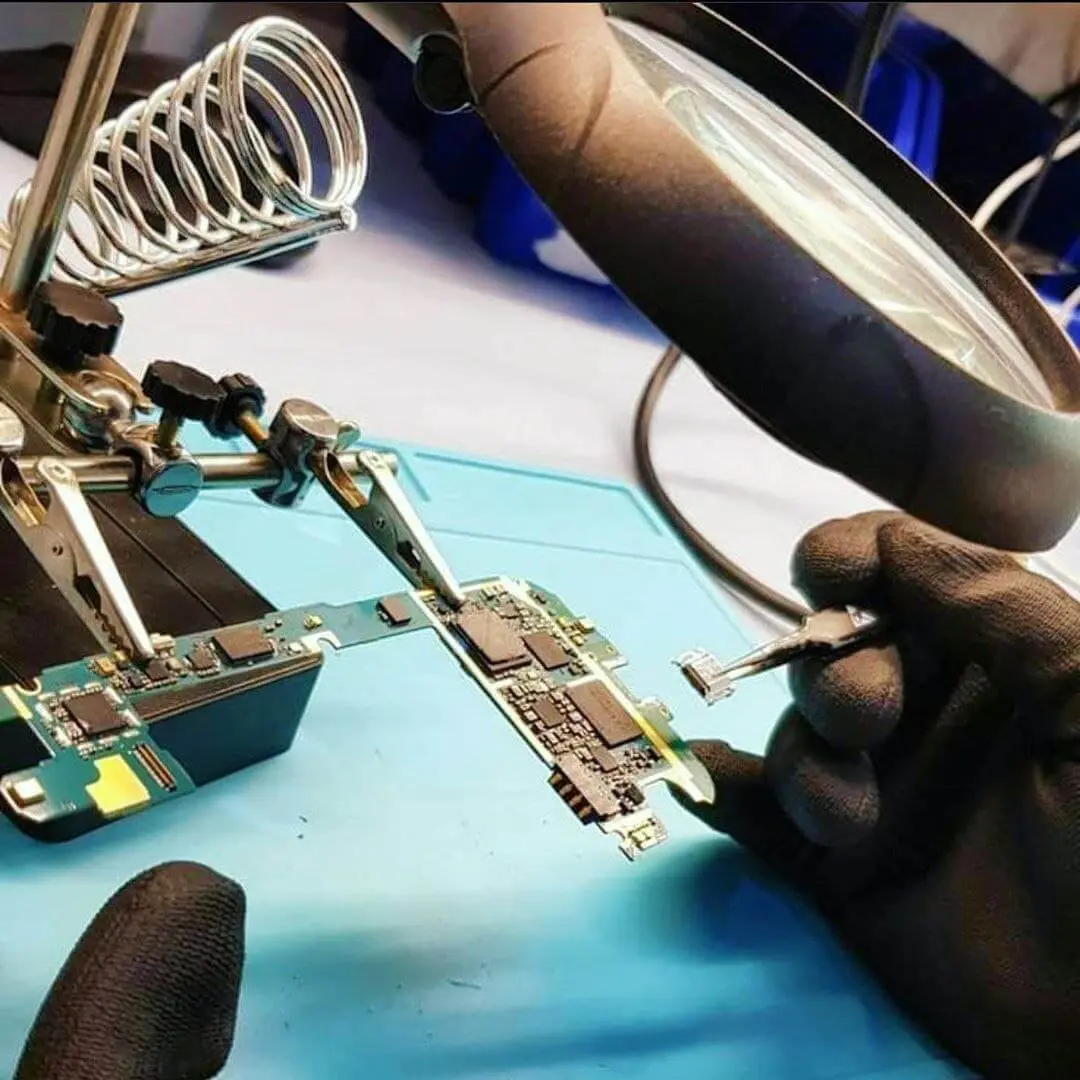
These ports get damaged when the console is moved with the cable still plugged in, when someone trips on the cable, or when a cable goes in at an angle. Once the pins are bent or the port is cracked, the port has to be replaced. That means desoldering the old port from the motherboard and soldering in a new one. Please do not try to bend pins back with a needle. It is easy to short neighboring pins or tear the solder pads, and that makes the repair harder.
When the port looks fine but there is still no picture
A clean port with no signal can still be a hardware fault. Between the port and the main processor there is a small chip that handles the HDMI signal. It can fail from a power surge, from heat, or from damage that started at the port. Liquid and dust can also cause it. A technician checks the port and that chip with the console open, which you should not do yourself if you want to keep things simple.
Two more clues worth noting before you bring it in:
- Does the PS5 work on a second TV? If yes on one TV and no on another, it may be a compatibility setting rather than hardware.
- Does the controller still connect and does the console make its usual sounds? That tells us the rest of the console is running.
Getting your PS5 checked in Citrus Heights
If the cable, the TV and Safe Mode all check out and you still get no signal, it is time for a diagnostic. RepairHub is at 6201 Greenback Ln Suite A in Citrus Heights. The diagnostic is free and walk-ins are welcome. Bring the console and its power cord.
You can read more about the repair on our PS5 HDMI port repair page. If the console does not turn on at all, see PlayStation not turning on instead. For a price, open the repair calculator with PS5 HDMI port selected.
Our warranty page explains how repairs are covered.